27 complete themes
Each one sets the sidebar or top bar, header, page background, type, corner radius, a UI kit and a matching login page. Pick one as your base and adjust from there.
The color service
A GoHighLevel white label theme restyles the whole app, not just the logo: sidebar, header, cards, buttons, tables, forms and the blues GoHighLevel hard-codes. Your account includes all 27 themes, 11 UI kits and 3 dark themes, and you apply them yourself in a live editor.
Live in the mirror
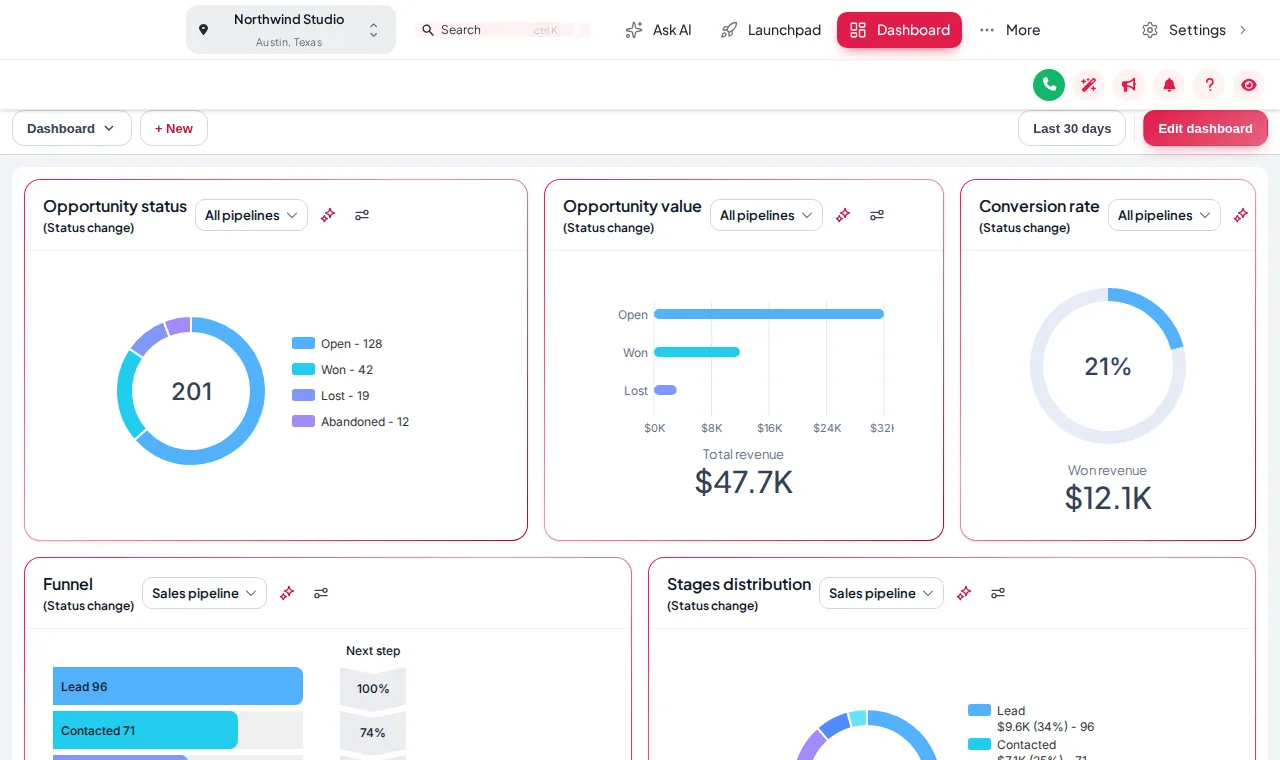
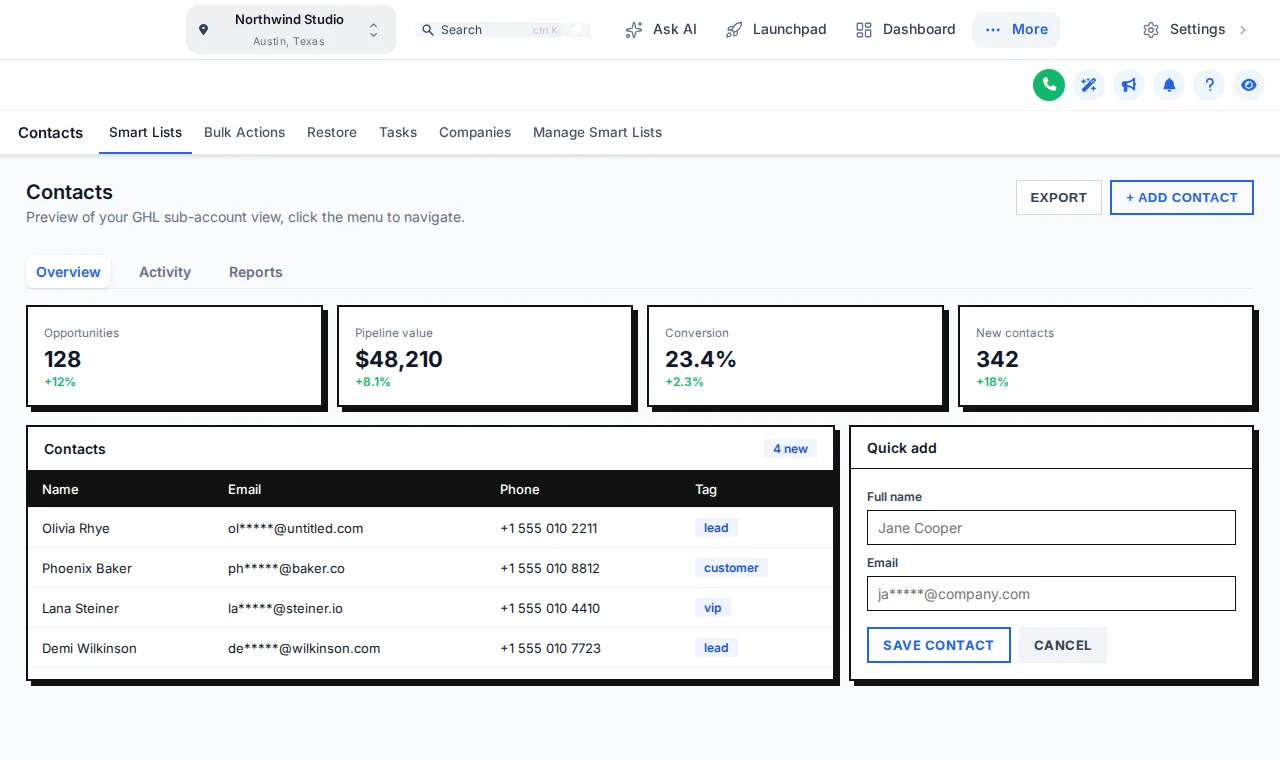
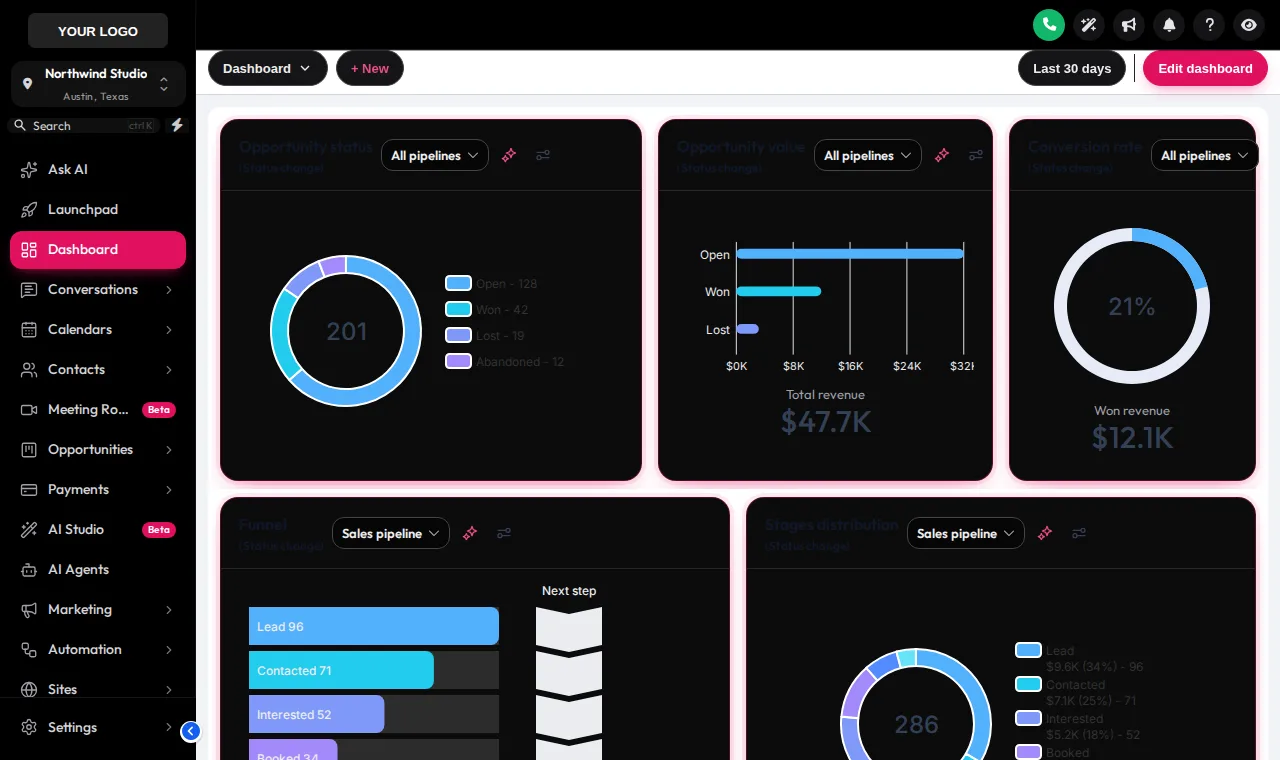
Light or dark, then a UI kit on top. The sample contacts page restyles the moment you click.
Style card
Loading the live preview…
Creative Agency Pick a theme, then layer a UI kit over it. The three dark themes carry their own dark palette for cards, borders and text.
Before the chair, after the chair
GoHighLevel lets you swap a logo and a couple of colors. Every other pixel still looks like every other agency, and the stock blue keeps creeping back through buttons, tabs and links. A theme recolors all of it in one go.
What is in the kit
Each one sets the sidebar or top bar, header, page background, type, corner radius, a UI kit and a matching login page. Pick one as your base and adjust from there.
Soft shadow, bordered, glass, brutalist, halo, pill and more. A kit restyles the components inside every page, so a theme can feel polished, playful or editorial.
3 dark themes ship with their own palette for surfaces, borders and text, so evening admin and late-night rebooking are easier on the eyes.
GoHighLevel hard-codes its blue in hundreds of places. The remap swaps every instance for your color so nothing gives the stock look away.
Choose a Google font, how rounded the corners are and how deep the shadows sit. Small details are what make a brand feel deliberate.
Keep the menu on the left or move it into a top bar, and set your logo, colors and page background to match the salon.
The lookbook
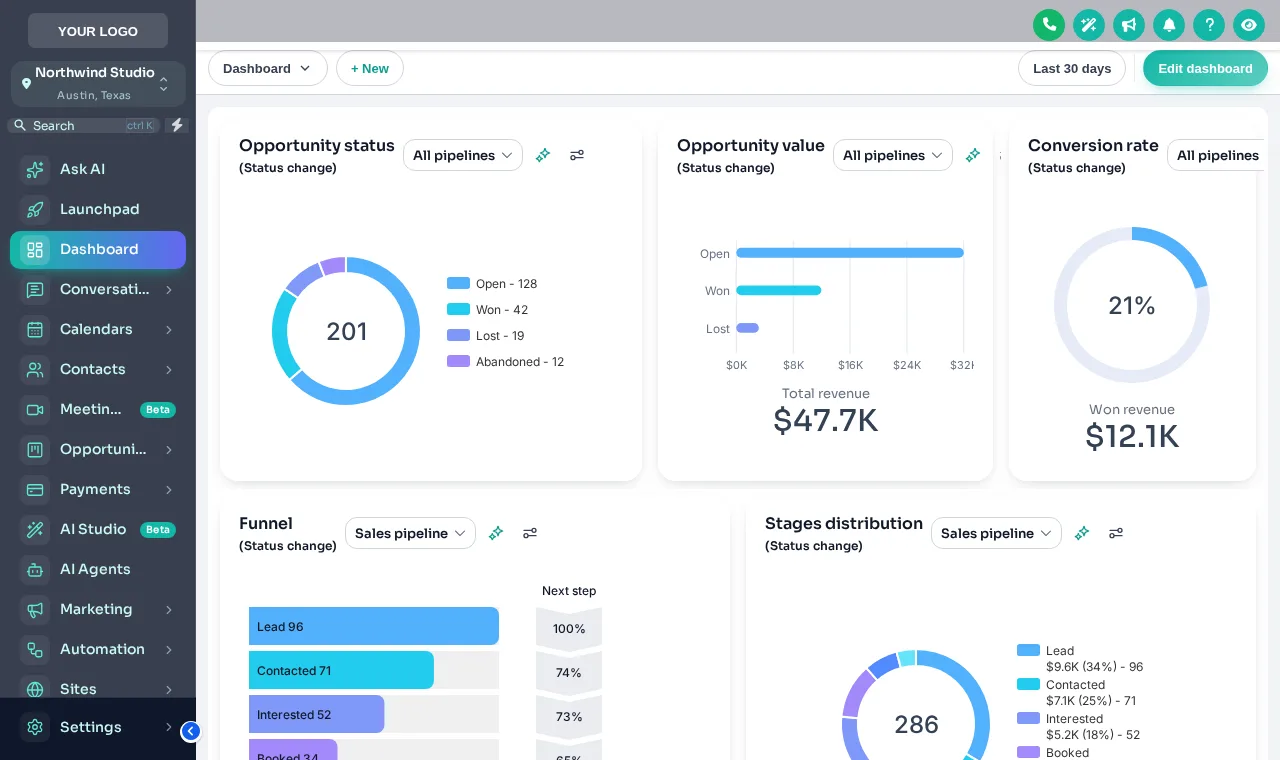
On the salon floor
Blush and gold on the salon floor, blush and gold in the CRM. Front desk staff open a system that looks like the place they work.
One branded look for every sub-account, so each salon owner sees your product rather than a generic dashboard.
Switch to a dark theme for the people confirming tomorrow's appointments at 10pm.
Your appointment
These steps happen inside your own GHL Customizer account after you have your login. You do the styling; nobody needs your GoHighLevel password.
Open the theme gallery in the editor and click through looks on the live preview.
Add a kit, your logo, brand color, font and corner radius. Switch dark mode on if you want it.
Every sub-account picks up the new look on its next page load. There is no code to re-paste.
The price list
Themes and dark mode come with every package. Each package is a GHL Customizer account you pay for once and keep: login emailed within minutes (max 24 hours), then you style GoHighLevel yourself.
See everything each package includes or go back to the GHL Style Customizer overview.
Customizer price list
One-time payment, lifetime access. Login emailed within minutes (max 24 hours). Compare every package
Questions at the chair
Straight answers about themes and dark mode: what it changes in GoHighLevel, what it leaves alone and which package includes it.
It is a full visual restyle of the GoHighLevel app in your brand: sidebar, header, page background, buttons, cards, tables and forms. White-label settings in GoHighLevel only change the logo and a few colors; a theme changes the rest through custom CSS and a small loader script.
Every package. Trim at $147 one-time already includes all 27 themes, all 11 UI kits, dark mode, your colors and logo, and the sidebar or top-bar layout.
No. You choose everything in a visual editor with a live preview. The editor writes the CSS for you, and you paste one loader line into GoHighLevel once.
Yes. Every theme is a starting point. Swap in your brand color, accent, font, logo and page background, and the color remap pushes your color through the places GoHighLevel hard-codes its blue.
The 3 dark themes restyle the standard GoHighLevel pages with a dark palette for surfaces, borders and text. GoHighLevel changes its interface from time to time, and the customizer team updates the engine when it does.
The loader is one small script that the browser caches. It only downloads again when you save a change in the editor.
Yes, as often as you like. Save a new theme in the editor and GoHighLevel shows it on the next page load. Version history lets you roll back to an earlier save.
No. It changes how GoHighLevel looks in the browser. Your data, booking calendars, automations and settings stay exactly as they are.
The editor styles both the agency view and the sub-account view. Packages with more than one workspace let you keep separate designs side by side.
Pairs well with
The customizer changes how GoHighLevel looks. The Salon Snapshot is the automation inside it: appointment reminders and no-show recovery, review harvesting and rebooking. Neither needs the other, and together the CRM looks and works like your salon.
Finish the look
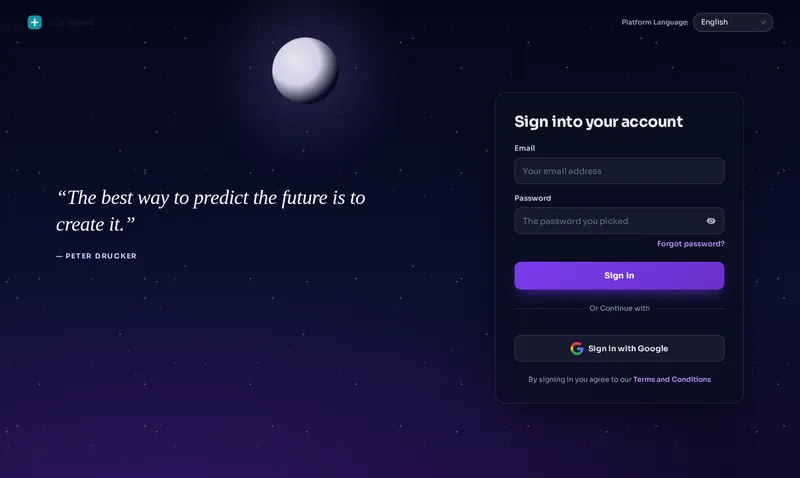 Login page designsGive your GHL custom login page a salon-worthy entrance: 16 animated designs covering sign-in, two-factor and reset. Preview every one live.
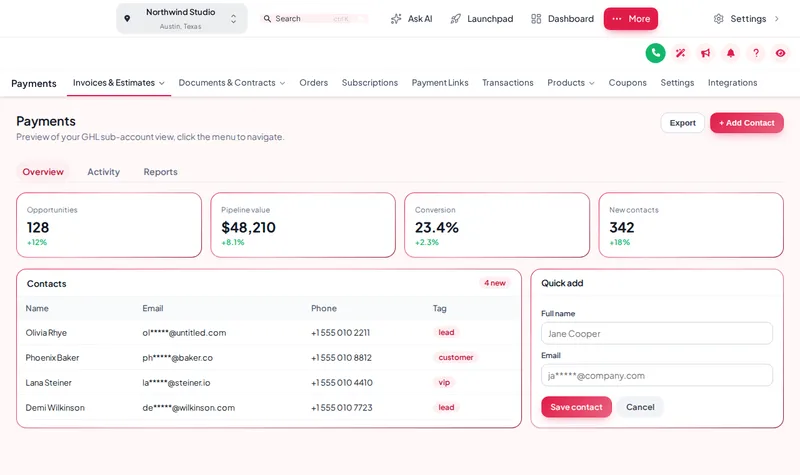 Menu layoutsBuild a GHL custom menu: sidebar, top bar or icon rail, 8 mega menu styles and a floating quick menu. Preview it live and set it up yourself.
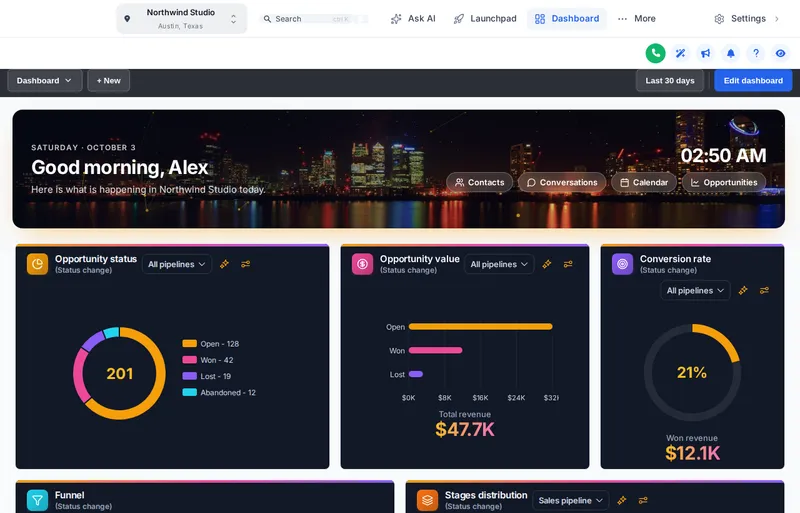 Dashboard designsPick a GoHighLevel dashboard design from 18 templates: welcome banner, live clock, photo backgrounds and chart colors. Try them live on a sample.
Ready for the chair?
Start with all 27 themes, the UI kits and dark mode in Trim, and restyle GoHighLevel yourself this afternoon.
Login emailed within minutes (max 24 hours) · One-time payment, lifetime access · Secure payment by Stripe
Choose which cookies Salon Snapshot may use. Essential cookies keep the site working and can't be switched off.